
A video diary for iPhone
One day,
one vlog.
Shoot a few clips or pick them from Photos. Trim each moment, add music and a title, then save your vlog on iPhone.
Join on TestFlight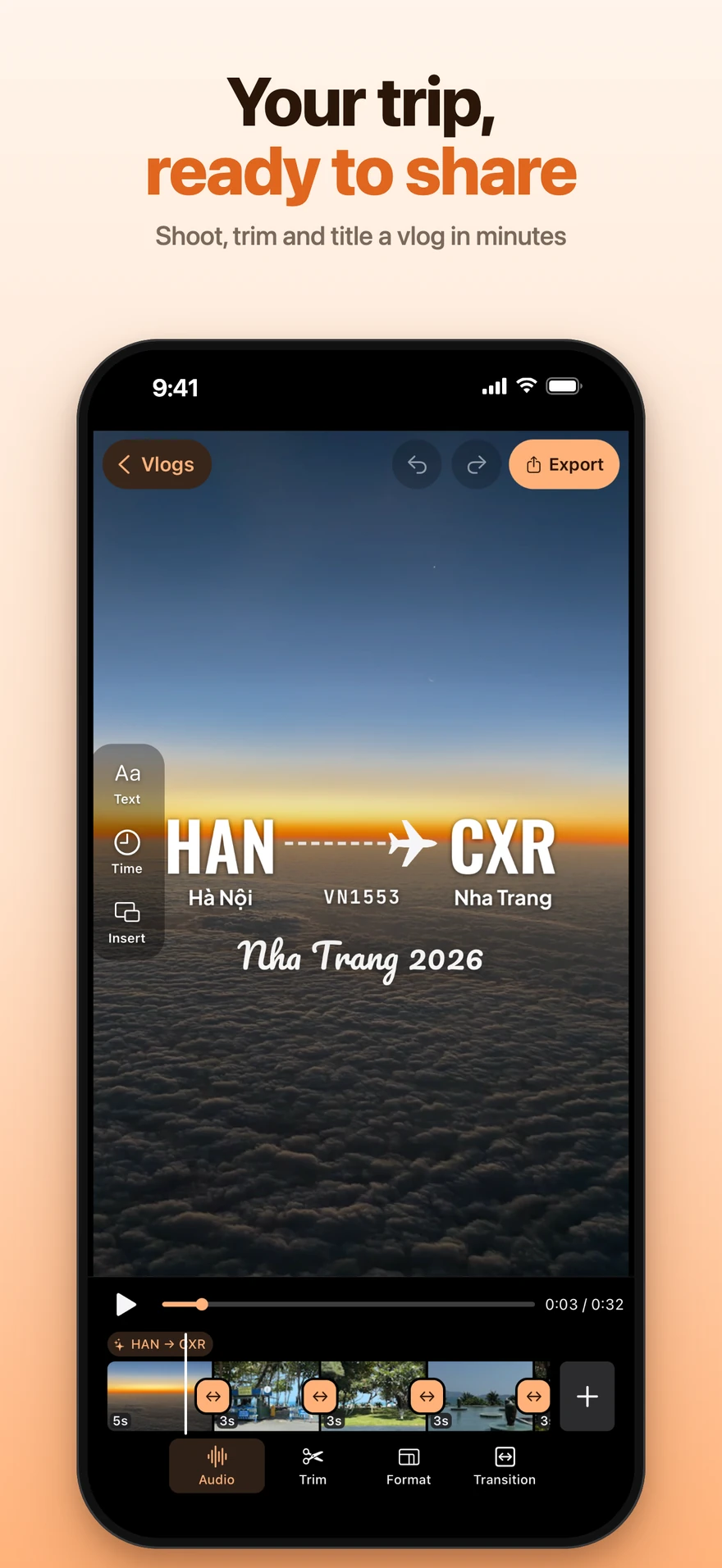
Editing in Clipjar
- Shoot & import
- Record short clips or pick videos you already have in Photos.
- Trim & add music
- Trim each scene to the moment you want. Add a song from Files or use the audio from another video.
- Add a timestamp & save
- Stamp a clip with the time you shot it, add a caption, then save your vlog to Photos.
Install the beta
Install Clipjar on your iPhone through Apple’s TestFlight app. How to install →